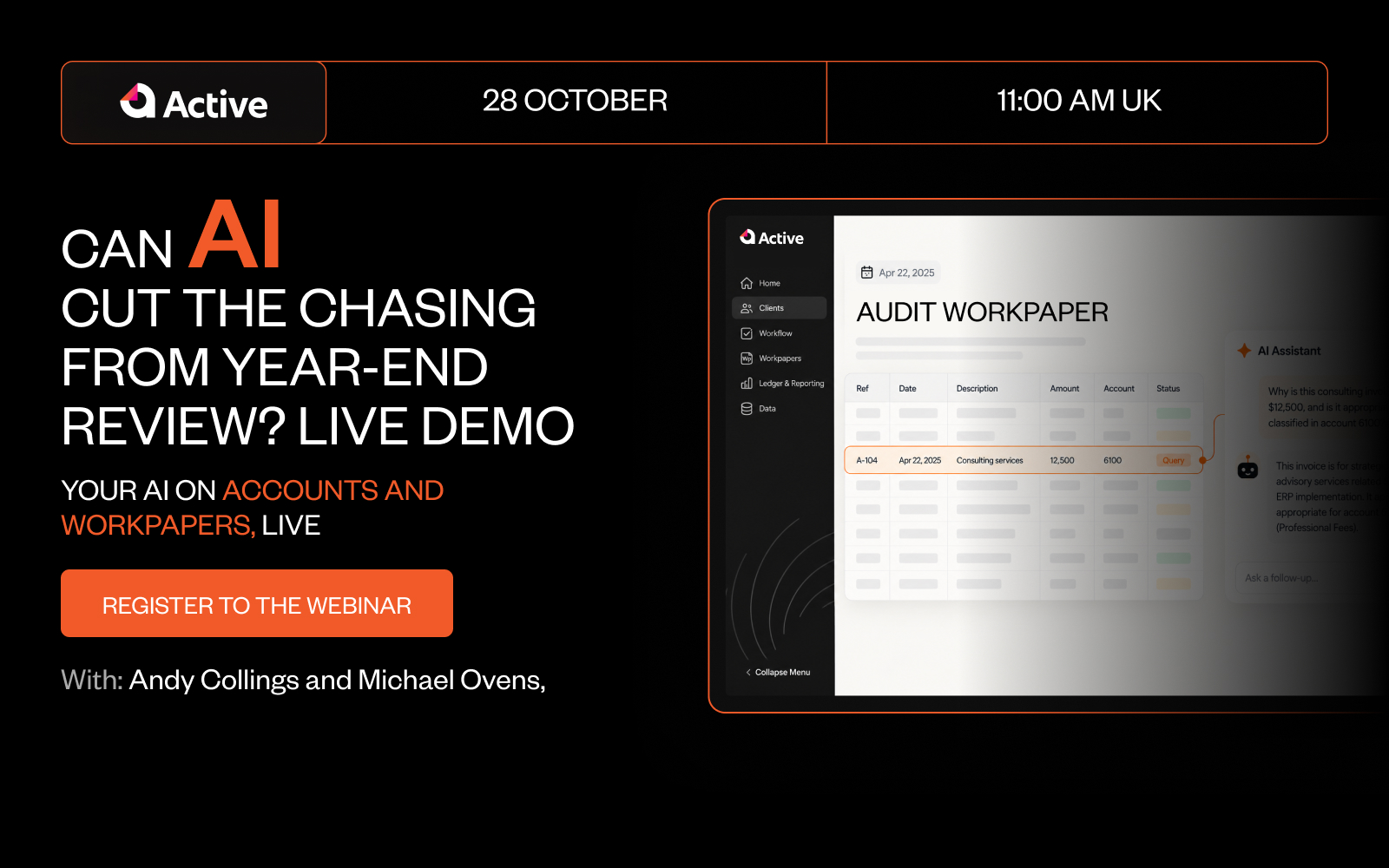

You know what a workpaper is. The harder question is where last year’s version lives, who changed the lead schedule, and whether the figure on the file still ties to the accounts.
For most firms, the honest answer is: in a spreadsheet, somewhere, changed by someone. Workpapers still run on Excel across a large share of UK practices, and Excel is very good at the job, right up to the point where three people, two offices and last year’s file are all involved.
This post is about that point. It covers what workpaper automation actually means, why firms reach for Excel in the first place, where spreadsheets stop scaling, and how the better tools give you automation and integration without taking the spreadsheet away.
What is workpaper automation?
Workpaper automation is the use of software to build, roll forward and cross-reference the workpapers behind a set of accounts, instead of maintaining them by hand in spreadsheets. It pulls figures from the bookkeeping records, keeps schedules linked to the accounts, and preserves a review trail as the file changes.
The word “automation” does a lot of work there, so it is worth being precise. This is not the same as saving spreadsheets to a shared drive, or opening Excel in a browser. Those move the file. They do not change what the file is.
Automation, in the sense that matters to a practice, means the software does the repetitive linking and carrying-forward for you: the trial balance lands from the bookkeeping system, the lead schedules reference it, and the review trail records what changed. Done well, it is rules-based and auditable, so a reviewer can see what the software did to a number, not just the number it produced.
Why accounting firms use Excel for workpapers
Excel did not win by accident. It earns its place, and any honest case for automation has to start there.
- It is flexible. No two clients are quite the same, and a spreadsheet bends to any of them.
- Everyone can use it. There is no training curve and no per-seat argument to have with the partners.
- It is already paid for. It sits on every machine in the building.
- It is fast for a one-off. For a single tricky schedule, nothing beats a blank sheet.
For a small file prepared and reviewed by the same person, Excel is hard to beat. The trouble starts when the file stops being small, and stops being owned by one person.
Where Excel workpapers break at scale
The limitations of Excel are not really about Excel. They are about what happens when a spreadsheet becomes the system of record for a team.
- Version control. Which file is the current one? The answer is usually a filename with “final” in it, twice.
- No reliable audit trail. A figure changed between last week and this. Excel will rarely tell you who changed it, when, or why.
- Rekeying. The same numbers get typed from the bookkeeping system into the workpapers, then again into the accounts. Every rekey is a chance to introduce a difference.
- Broken links and silent errors. A moved row or a deleted tab breaks a formula that nobody notices until review, or later.
- The knowledge lives in the file. The judgement behind a schedule sits in one person’s spreadsheet, and leaves when they do.
The cost rarely lands on any single job. It shows up in the review stage, which degrades from checking the work to reconstructing it, because the reviewer cannot see the evidence trail behind the numbers. At volume, that is where the risk sits.
What workpaper automation changes
Automation is worth having when it removes the rekeying and the rework, not the accountant. The useful version does a few specific things.
- It pulls from the bookkeeping data. The trial balance comes in from the source rather than being typed.
- It keeps schedules linked. A change in one place flows through to the accounts, instead of being copied across by hand.
- It rolls forward. Last year’s file becomes this year’s starting point, with the structure intact.
- It keeps a review trail. What changed, and by whom, is recorded rather than reconstructed.
- It standardises. The same treatment and the same schedule format carry from one job to the next, rather than being rebuilt per client.
None of that requires giving up the flexibility that made Excel useful in the first place. The best tools are the ones that understood that.
What to look for in workpaper management software
If you are weighing up electronic workpaper software, the checklist is short and practical.
- Integration with your bookkeeping stack, so the trial balance is not rekeyed.
- A clear, visible review trail, so review is a check and not an excavation.
- Roll-forward, so each year builds on the last.
- Standard templates the whole team works from.
- A connection through to accounts production, so the workpapers and the accounts are not two separate rekeys.
- The option to keep working in a spreadsheet where a spreadsheet is genuinely the right tool.
That last point is the one most firms assume they have to trade away.
The best of both worlds: automated, integrated, and still built for spreadsheets
This is the part firms expect to lose. Automated, integrated workpapers usually mean giving up the spreadsheet, and the flexibility that came with it.
Active is built the other way round.
It gives you one place to prepare accounts and workpapers, and pulls the numbers straight from Xero, QuickBooks Online, FreeAgent or a CSV trial balance, so the trial balance is not typed in twice. Alongside that, it keeps a spreadsheet workspace inside the same tool, so your team can still work the way they work in Excel while the schedules stay linked to the accounts and to a review trail.
Because it is fully cloud based, there is one current version of the file, visible to whoever is reviewing it, rather than a folder of near-identical spreadsheets. The automation is rules based and auditable, so what it does to a schedule can be checked. And because the same templates carry the treatment from one job to the next, applying a consistent process across the team stops depending on who happens to own the file.
The workpapers then flow into the accounts they support. Active covers FRS 102 1A, 105 & Dormant Company Accounts and produces iXBRL tagged accounts ready to file with Companies House, so the schedules and the accounts live in the same place instead of being rekeyed between two.
Where Active fits
Knowing what a workpaper is was never the hard part. Producing them consistently, across a team, without version control. The firms handling it well automated the linking and the carry-forward, kept a real review trail, and did not have to give up the spreadsheet to do it.
If you would rather your workpapers were automated and integrated but still let your team work in a spreadsheet where it makes sense, that is what Active is built for. Book a demo and we will show you how it handles your own client data.
Frequently asked questions
What is workpaper automation software?
Workpaper automation software builds and links the schedules behind a set of accounts, pulling figures from the bookkeeping records and carrying them forward year to year. It replaces manual spreadsheet maintenance with a connected file that keeps a review trail and stays tied to the accounts it supports.
Can you automate workpapers and still use Excel?
Yes. The better tools keep a spreadsheet workspace inside the software, so preparers can still work in a familiar spreadsheet where it suits the job, while the automation handles the data feed, the linking to the accounts and the review trail. You keep the flexibility without keeping the version-control problem.
What are the limitations of using Excel for workpapers?
Excel struggles once a spreadsheet becomes a team’s system of record. The main issues are version control, no reliable audit trail of who changed what, rekeying between the bookkeeping system and the accounts, and formulas that break silently. The knowledge behind each file also tends to live with one person.
Do workpaper management tools connect to accounts production?
The better ones do. When workpapers and accounts production sit in the same system, the trial balance and schedules feed the accounts directly, so figures are not rekeyed between two tools. That connection is what turns the review stage into a final check rather than a reconciliation exercise.