AI for accounts and workpapers, with your judgement in charge
Review tools built into Active, and an open connection to the AI assistant your firm already uses. One module, and your firm decides who gets it.
.png)
Built in, or bring your own
Built in
AI that checks the work already in the job: Review Assist across the financial statements, trial balance, tax return and workpapers, and transaction comparison across entities. Findings land back in the file. See it on Accounts
Bring your own
Active's MCP server connects Claude or Microsoft 365 Copilot to your client files, so your team can ask in plain English. See it on the MCP page
AI is a tool, not the system
AI is useful inside a structured system, as one tool among many. It is not the best tool for everything. Some jobs, such as pulling data out of a PDF, are faster, cheaper and more accurate with conventional code, and we have tested that ourselves. So Active uses AI where it earns its place and ordinary software where it does not.
Two principles sit behind everything on this page:
It checks work, it doesn't write it.
Active's AI reads work that already exists and reports what does not agree. It organises and updates information, but always leaves the accountant in control.
Every finding is explained.
Every finding comes with a location, a reason and a trail, because you cannot sign what you cannot explain.
And one commitment: AI should augment your process, not become something it depends on. If you switch it off, accounts and workpapers carry on as they do today.
What is in Active AI
Review Assist
Runs an automated review across financial statements, trial balance, tax return and workpapers in one pass and returns a findings report.
Inter-Entity Transaction Comparison
Compares transactions shared between entities and surfaces the anomalies where the figures do not match.
MCP server
Connects Claude or Microsoft 365 Copilot to Active, read-only by default and limited to what the signed-in user can see.
Pre-built skills
Guided jobs such as the year-end brief, the client query round-up and filing. Free, in a public repository, and yours to fork.
Your data, your permissions, your call
The AI built into Active runs in the same UK-hosted environment as the rest of the product, and calls to large language models go to UK-hosted servers, so client data stays in the UK.
Different jobs use different models. Active uses small, purpose-built models and large language models together, choosing by use case, rather than sending everything to the biggest model available.
When your firm connects its own assistant through the MCP server, access is checked on every call as the signed-in user. Nothing is copied or synced in the background, and approving a workpaper is refused to the assistant outright.
Active is ISO 27001 and Cyber Essentials certified, and ISO 42001 certification for responsible AI management is coming soon. How client data is protected and certified
One module, no tiers
Active AI is a single module, licensed per user in the same way as the rest of Active. There are no tiers and nothing further to unlock by paying more, and your firm decides which people get it. No licence means no connection at all.
The model is a flat licence per user, plus a usage-based element for the built-in AI features that call large language models. If your team uses Active through the MCP server, the AI work happens on your own Claude or Copilot subscription, so Active does not meter your assistant's usage.
Active AI is free to preview until 31 December 2026. Firms come on by invitation, with the whole module and nothing held back, with pricing confirmed before the preview ends.
Active works exactly as it does today
Firms are in very different places on AI. Some have a written policy, some have a partner who will not have client data near a language model, and plenty have not had the conversation yet. You do not need to settle an AI policy to close a year end; if you're not ready yet, use Active as it is.
See it run on a real year end
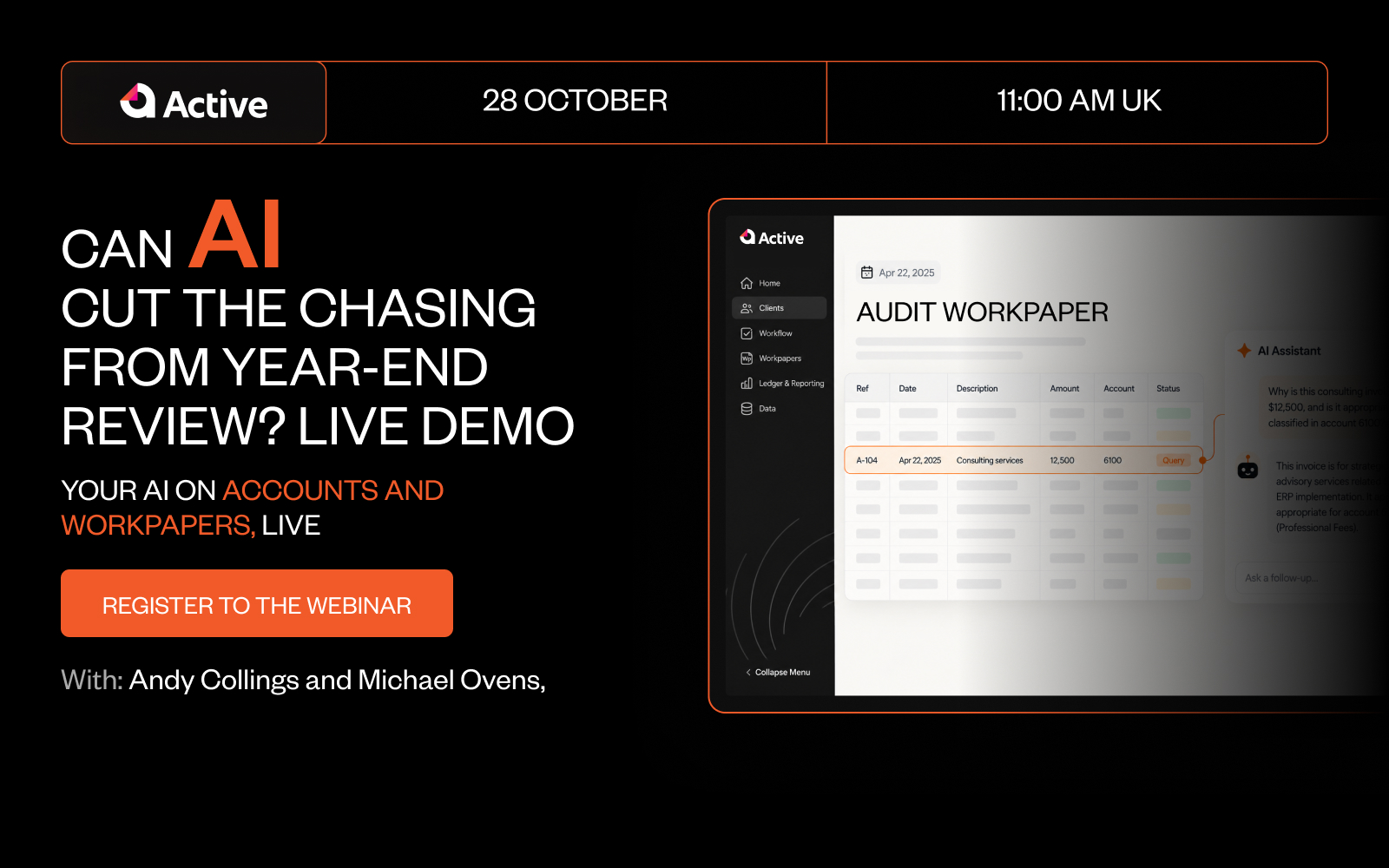
Wednesday 28 October, 11:00 to 12:00 (UK). Andy Collings and Michael Ovens work through open year-end client queries with Claude connected to Active, and show what the AI can see, what it cannot, and where sign-off stays.
Ready to take accounting to the cloud?
Get Active.
A cloud-based, automated, collaborative workspace for faster workpapers, accounts, and tax.
Questions? We have answers…
We’d love to help answer any questions you have about Active. If you can’t find what you’re looking for below, email us at activeuk@businessfitness.com or book a demo here.
Active is a cloud-based platform that streamlines workpapers, accounts, and tax with seamless integrations, automation, and standardised workflows.